Integrating Google reCAPTCHA into an application is usually straightforward.
You install a third-party library, provide a site key, inject a service , and you’re done.
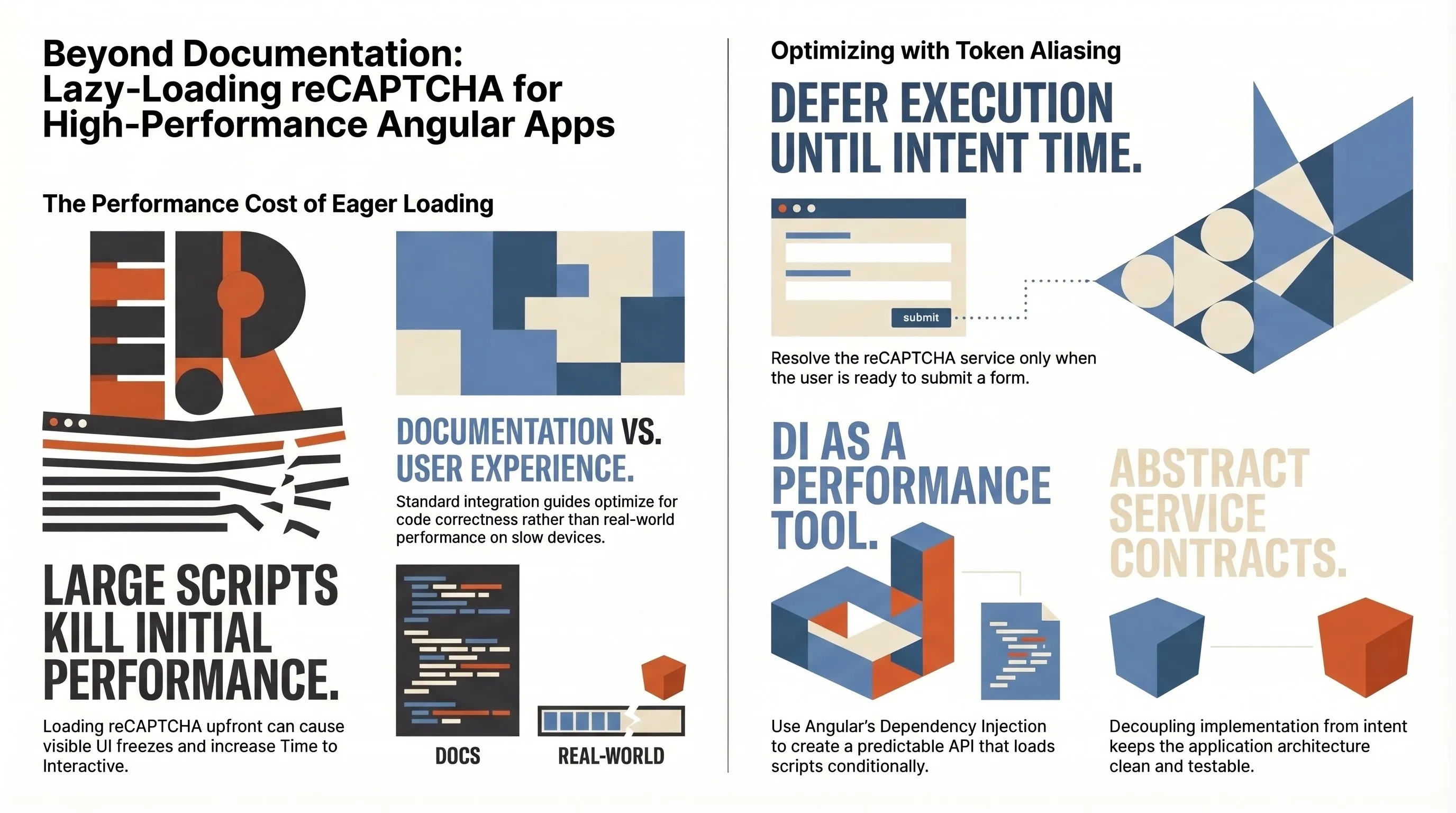
But in real production systems, integration is rarely the hard part. The real challenge appears when performance meets reality: real users, real devices, real networks.
The real problem: script size & timing
Google’s reCAPTCHA script is relatively large. Loading it eagerly, as most libraries and examples suggest, can negatively affect:
- initial page load
- time to interactive
- perceived performance on slower devices
In our case, loading the script upfront caused visible UI freezes for some users in QA and production environments, even though everything looked fine locally.
And that’s the key insight: Documentation optimizes for correctness, not for user experience.
We didn’t need reCAPTCHA on page load. We only needed it right before the user submits a form. So the goal became clear: Load the reCAPTCHA script only when it’s actually needed.
Lazy-loading reCAPTCHA the right way
Instead of relying on a third-party abstraction, we introduced a small internal layer that gave us:
- full control over when the script loads
- a single execution path
- a predictable API for the rest of the app
At the core is an abstract service and a concrete Google implementation.
Injection token for the site key:
export const RECAPTCHA_KEY = new InjectionToken('RECAPTCHA_KEY');

export function provideGrecaptcha(siteKey: string) {
  return [
    { provide: RECAPTCHA_KEY, useValue: siteKey },
    { provide: RecaptchaService, useClass: GoogleRecaptchaService }
  ];
}
This keeps configuration explicit and testable.
Abstract contract:
@Injectable()
export abstract class RecaptchaService {
  public abstract execute(action?: string): Promise;
  public abstract loadScript(): Promise;
}
The rest of the application depends on intent, not implementation.
Google reCAPTCHA implementation:
declare const grecaptcha: {
  ready: (callback: () => void) => void;
  execute: (siteKey: string, options: { action: string }) => Promise;
};

@Injectable({ providedIn: 'root' })
export class GoogleRecaptchaService extends RecaptchaService {
  private document = inject(DOCUMENT);
  private siteKey = inject(RECAPTCHA_KEY);
  private renderer = inject(RendererFactory2).createRenderer(null, null);
  private isBrowser = isPlatformBrowser(inject(PLATFORM_ID));

  private scriptLoaded: Promise | null = null;

  execute(action: string = 'submit'): Promise {
    if (!this.isBrowser) {
      return Promise.resolve('');
    }

    return this.loadScript().then(() => {
      return new Promise((resolve, reject) => {
        grecaptcha.ready(() => {
          grecaptcha.execute(this.siteKey, { action }).then(resolve, reject);
        });
      });
    });
  }

  loadScript(): Promise {
    if (!this.scriptLoaded) {
      this.scriptLoaded = new Promise((resolve, reject) => {
        const script = this.renderer.createElement('script');
        script.src = `https://www.google.com/recaptcha/api.js?render=${this.siteKey}`;
        script.async = true;
        script.defer = true;
        script.onload = () => resolve();
        script.onerror = reject;
        this.renderer.appendChild(this.document.head, script);
      });
    }

    return this.scriptLoaded;
  }
}
At this point, the implementation is solid, but we can improve dependency access. Instead of eagerly injecting the concrete implementation everywhere, we can use token aliasing and resolve the service only when needed.
Token aliasing in practice
Angular allows us to tell the DI system: "Whenever someone asks for RecaptchaService, give them the actual implementation."
Then, in the component:
@Component({
selector: 'app-root',
template: ``
})
export class App {
private readonly injector = inject(Injector);
async executeRecaptcha() {
const recaptcha = this.injector.get(RecaptchaService);
console.log(await recaptcha.execute());
}
}Why this matters
- The service is resolved only when the user acts
- No unnecessary work during component initialization
- Cleaner mental model: security logic happens at intent time
This pattern becomes especially powerful when features are conditionally enabled, scripts are heavy, or performance budgets matter.
Final thoughts
The biggest takeaway isn’t about reCAPTCHA. It’s about mindset:
- Don’t load heavy third-party code unless you truly need it
- Don’t let documentation dictate UX
- Use Angular’s DI system as a performance tool, not just a wiring mechanism
Token aliasing + lazy loading gives you control, predictability, and better real-world performance-exactly what you want in security-sensitive flows.
P.S. This solution would work with existing Angular libraries such as ng-recaptcha & ng-recaptcha2.